
Warning
The audit trail is only available on Agency plans.
- The audit trail gives you a full record of who changed what, and when, in a project.
- It shows one project at a time: pick the project with the project selector at the top of the app.
- You can filter it by user, service, action and date range to zero in on exactly what changed and when.
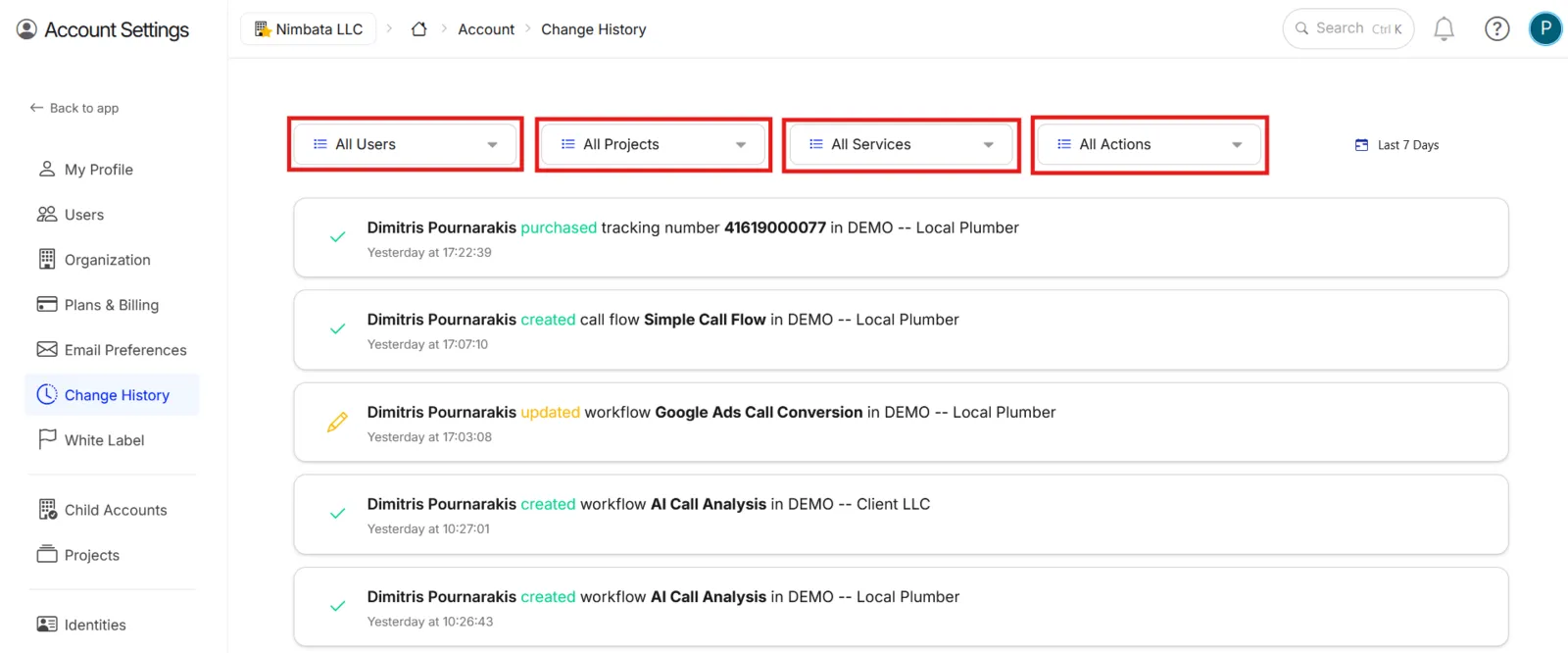
You can filter by:
- User: All Users, or one user under the account.
- Service: All Services, or one of the services available, such as call flows, custom fields, custom URL parameters, destination numbers, organization, projects, tracking numbers, tracking sources, workflows, and all of Nimbata’s integrations.
- Action: All Actions, or one of the system actions: create, purchase, assign, update, remove, and delete.
- Date range: the period to show.
Open Audit Trail
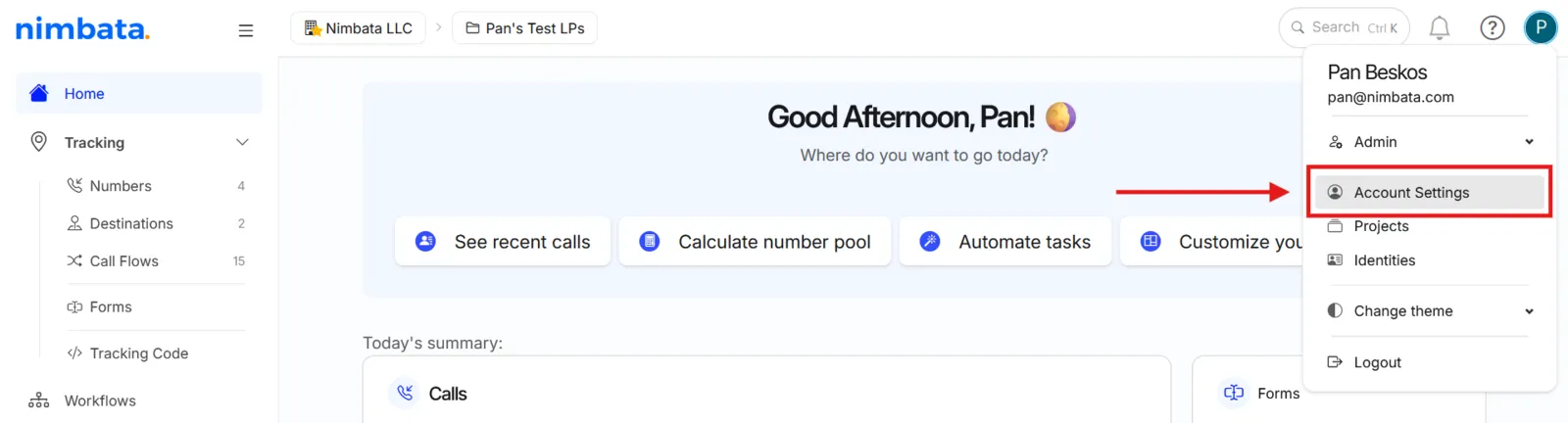
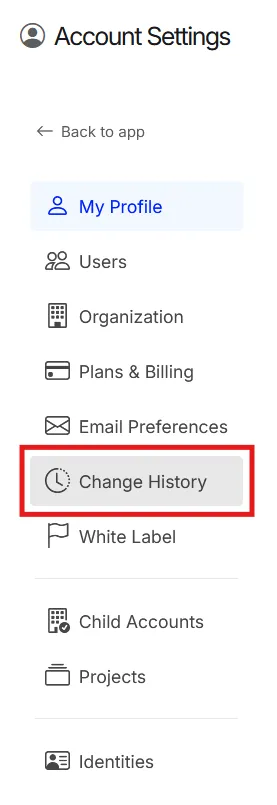
- Go to Workspace > Audit Trail.
- Pick the project to review with the project selector at the top.
Apply your filters
- Use the User, Service, Action and Date range filters to narrow the trail to the changes you want to review.
🎉 You can now review the changes made across call flows, workflows, tracking numbers, custom fields, and every other Nimbata feature.
Detailed guide: Create a workflow